How TickSmith handles student work
The short version
TickSmith runs entirely in your web browser. When you open a script, it stays on your computer. Nothing is uploaded, there's no TickSmith server storing anything, and there are no accounts or logins.
In other words, TickSmith never receives any student work or student data, because it has nowhere to send it.
What happens when you open a script
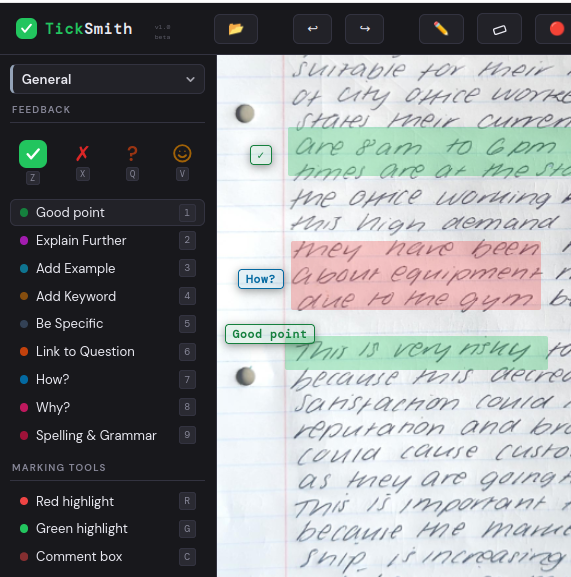
Your browser reads the PDF or photos straight from your computer and displays them on screen. Every stamp, pen mark, comment and score you add exists only in that browser tab.
When you export, TickSmith builds the marked-up PDF inside your browser and saves it to your computer, like any other download. If you close the tab without exporting or saving, your marks are gone.
You can check this yourself: open TickSmith and a script, then disconnect from the internet. You can carry on marking and exporting as normal.
What TickSmith remembers on your computer
TickSmith uses your browser's local storage to remember two small things between visits: which subject you last chose, and which version of TickSmith you last saw, so it knows when to show the "What's new" message. Neither contains any student information, and neither leaves your computer.
If you use the save button (💾) to keep your marks and come back later, that file is saved to your computer like any other file. It contains your marks and feedback, so treat it as you would the student's work under your school's usual policy.
Files you send on
Once you've exported a marked script, it's an ordinary PDF on your computer. Sending it back to students, through Teams, email or anything else, follows your school's normal systems and policies. TickSmith plays no part in that.
TickSmith Scanner
The Scanner works the same way. Photos are processed on your phone, the PDF is created on your phone, and it goes only where you choose to share it.
What this website and the apps load
To work, the TickSmith app loads two open-source libraries for reading and creating PDFs, plus its fonts, from Cloudflare's and Google's content delivery networks. These requests fetch code and fonts only. They never include your files or anything you type.
We count visits using Cloudflare Web Analytics, which doesn't use cookies and doesn't track you across other websites. This site doesn't use advertising or tracking cookies.
A few things only involve another service if you choose to use them:
- The feedback form is a Google Form, so anything you submit is handled by Google.
- The sample essays are downloaded from Google Drive.
- Videos in guides come from YouTube, but nothing loads from YouTube until you press play.
- If you email hello@ticksmith.co.uk, I'll see your email address and message, and use them only to reply.
For your DPO or IT team
If you need to check TickSmith with your school's data protection officer or IT team, this summary may help. It describes how TickSmith works; it isn't legal advice.
| Question | Answer |
|---|---|
| Is student work uploaded anywhere? | No. Files are opened and processed in the browser only. |
| Does TickSmith store personal data? | No. There's no server, database or account system. |
| Does it need an account or login? | No. |
| Does it use cookies? | No. |
| What does the browser store locally? | The last-chosen subject and the last-seen app version. No student data. |
| Which third parties are involved? | Cloudflare (hosting, visit counts, PDF libraries) and Google Fonts. Google Forms, Google Drive and YouTube only if the user chooses to use them. |
| Does it work offline? | Once the app and a first script have loaded, yes. Marking and exporting work without a connection. |
Questions
TickSmith is built and run by Innes, an Economics and Business teacher in the UK. If you or your school have any questions about how it handles data, email hello@ticksmith.co.uk.