My Marking Workflow: From Teams to TickSmith and Back Again
Marking is one of those jobs that just has to get done.
For me, the challenge isn’t simply finding the time to read 50+ essays. It’s making sure that the marking is useful, consistent and gives students something they can actually act on.
I’ve developed a fairly simple workflow that works for me - it starts and ends in Microsoft Teams.
My marking workflow
Student → Teams → Me → TickSmith → Me → Teams → Student
Here’s what that looks like in practice.
1. Students hand it in
My students submit their work through Microsoft Teams Assignments, as they normally would. I’ve ‘trained’ them in scanning as a pdf - we do that in the first week of the year.
For this particular task, they had completed a 25-mark Economics question on globalisation.
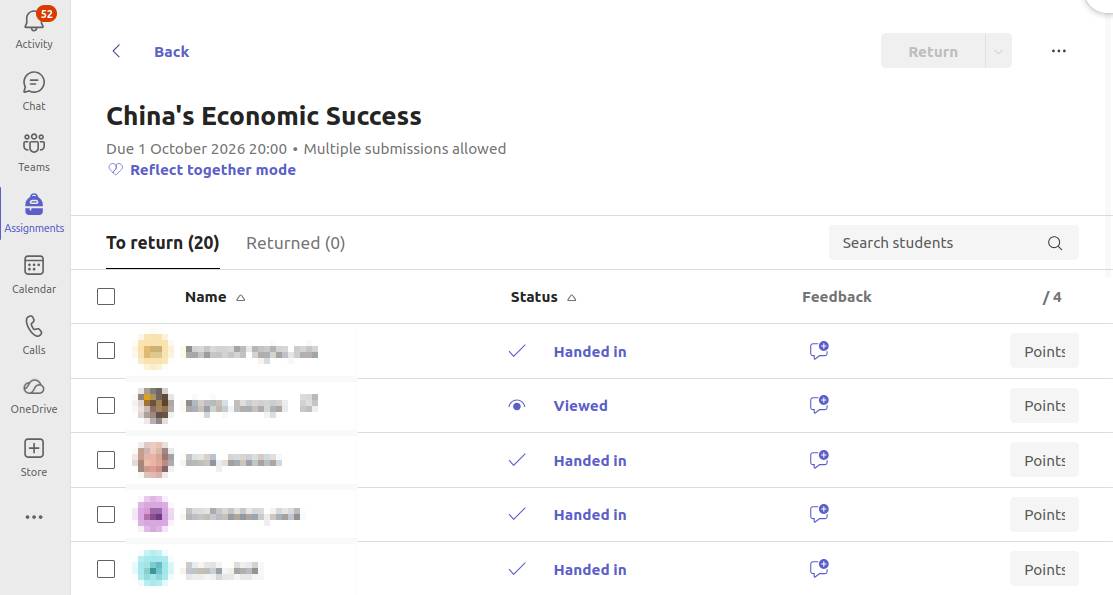
Students submit their work through Teams.
In this case, the students had photographed their handwritten essays and submitted them as PDFs.
Nothing particularly exciting here, and that’s the point.
I don’t want to change the way students submit work just because I’m using TickSmith.
2. I pick up the work
I open the student’s submission in Teams and have their response in front of me.
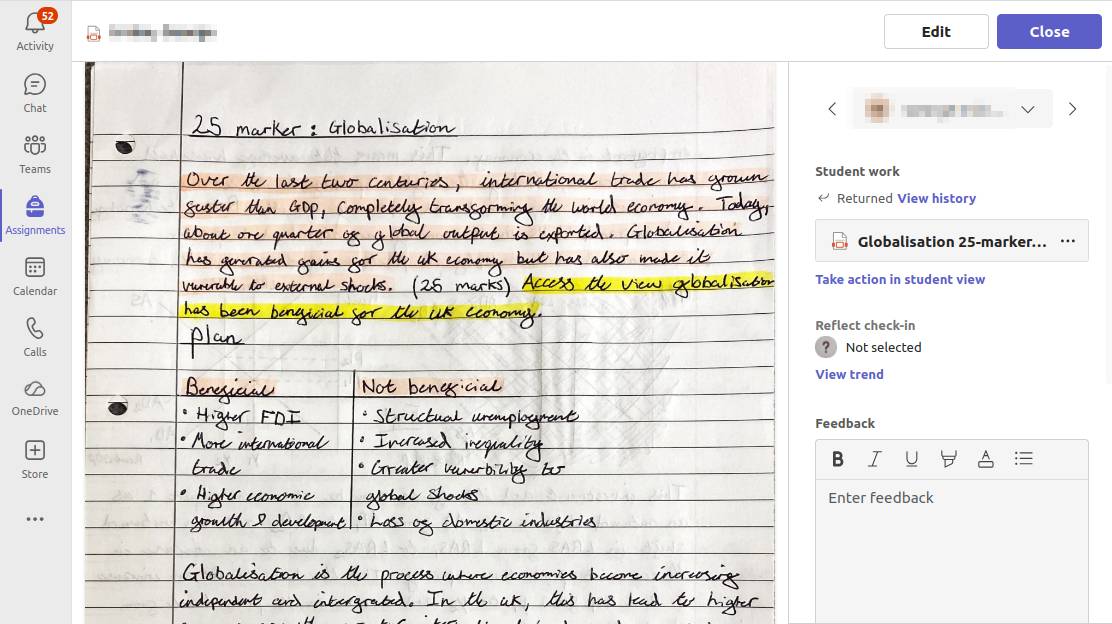
The student’s submitted PDF, opened from Teams.
This is where I would normally start marking.
Instead, I download the PDF and take it into TickSmith.
3. I mark in TickSmith
I upload the student’s response to TickSmith and work through it.
This is where the process gets interesting.
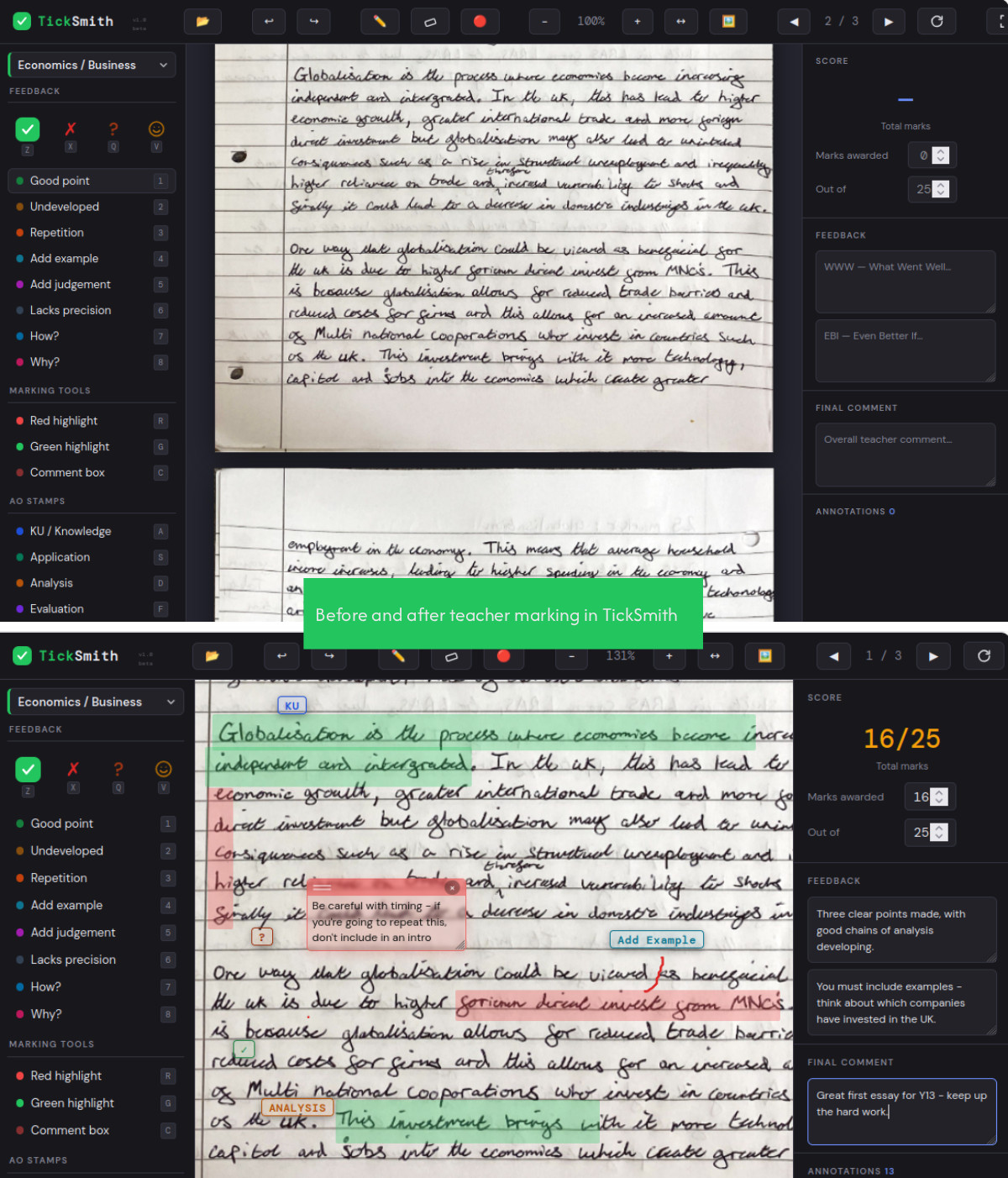
The same student response before and after marking in TickSmith.
I can annotate the response as I go, identifying good points, areas that need development, repetition, examples and judgement. I can also use assessment objective stamps to identify the skills being demonstrated.
The important thing for me is that I’m still making the marking decisions.
TickSmith gives me a set of tools to make that process more consistent and, hopefully, more useful.
For this response, I eventually arrived at 16/25 and gave the student some WWW and EBI feedback.
4. I turn the marking into feedback
Once I’ve finished, TickSmith produces a feedback sheet from the marking.
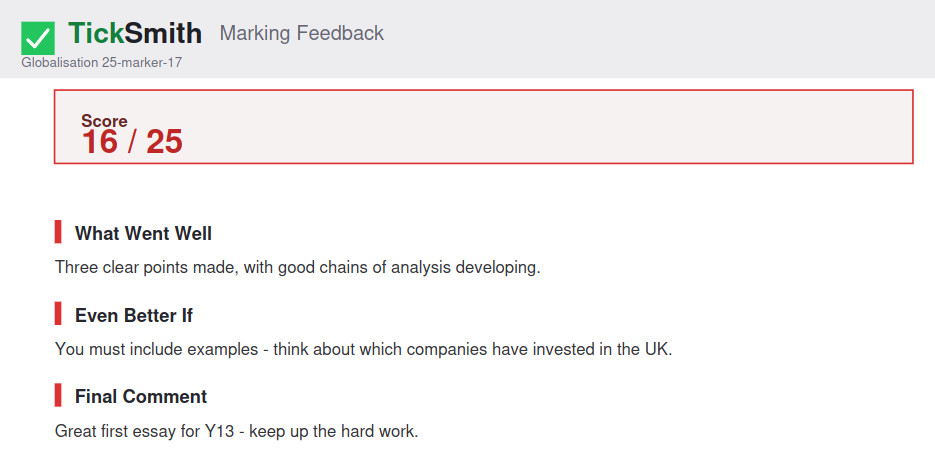
The feedback generated from the marking.
The important thing here is that the marking I’ve already done has been turned into something the student can understand and use.
5. Back to Teams
Finally, I go back to Teams.
I attach the feedback, enter the mark and return the work to the student.
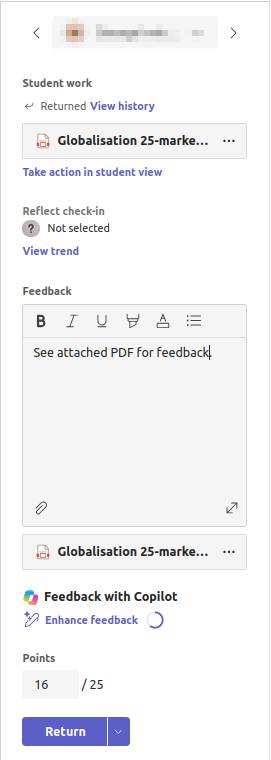
Back in Teams: feedback attached, mark entered and ready to return.
And that’s it.
Teams → TickSmith → Teams.
The student hasn’t had to log into another system. I haven’t had to create a completely new marking workflow.
The work comes in through Teams.
I mark it in TickSmith.
The feedback goes back through Teams.
So, does it save me time?
Yes.
But that’s not really the most interesting part for me.
What I like about the workflow is that it helps me think more carefully about the marking I’m doing.
Rather than simply writing “good analysis” or “develop this point”, I’m encouraged to identify exactly what the student has done, where the weaknesses are and what would make the response better.
And ultimately, that’s what marking should be about.
Not just telling a student what mark they got but helping them understand how to improve the next one.